
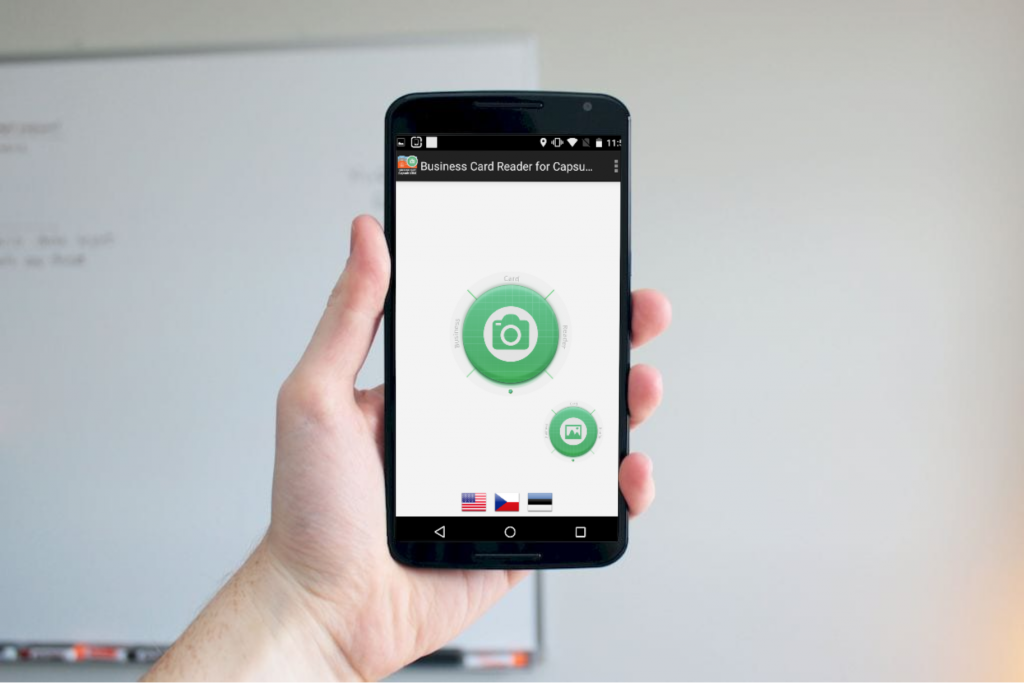
You are too busy to make notes and tap all the data from business cards manually, aren’t you? That’s a typical business peoples’ problem because there are too many important things to do.
You should value your time and don’t do unnecessary things. MagneticOne Mobile team has created a solution for you and for all businesses to satisfy your desires and to save your time.
The solution is a Business Card Reader for Capsule CRM! All you need is to have a Capsule CRM account. If you’re the user of Capsule CRM, you have lots of opportunities. Here are some of them you’ll get during using our app:
– recognize business cards from card images saved earlier;
– recognize multilingual business cards (maximum 3 languages from one card!);
– automatically add country phone code when the code is missing in business card phone number;
– preview results and make necessary changes before saving;
– add text and voice notes for each business card;
– navigate to contact address on the map;
– instantly save results by one touch (to CRM, phone contacts or Gmail contacts);
Those were just a few of all opportunities. You could discover all of the advantages of this app during usage, and be sure – you’ll be fully satisfied with how it works and saves your time. So, if you are at a business meeting and don’t have time and possibility to write down all the information about your colleagues, try this solution and you won’t have any problems with your business colleagues.