
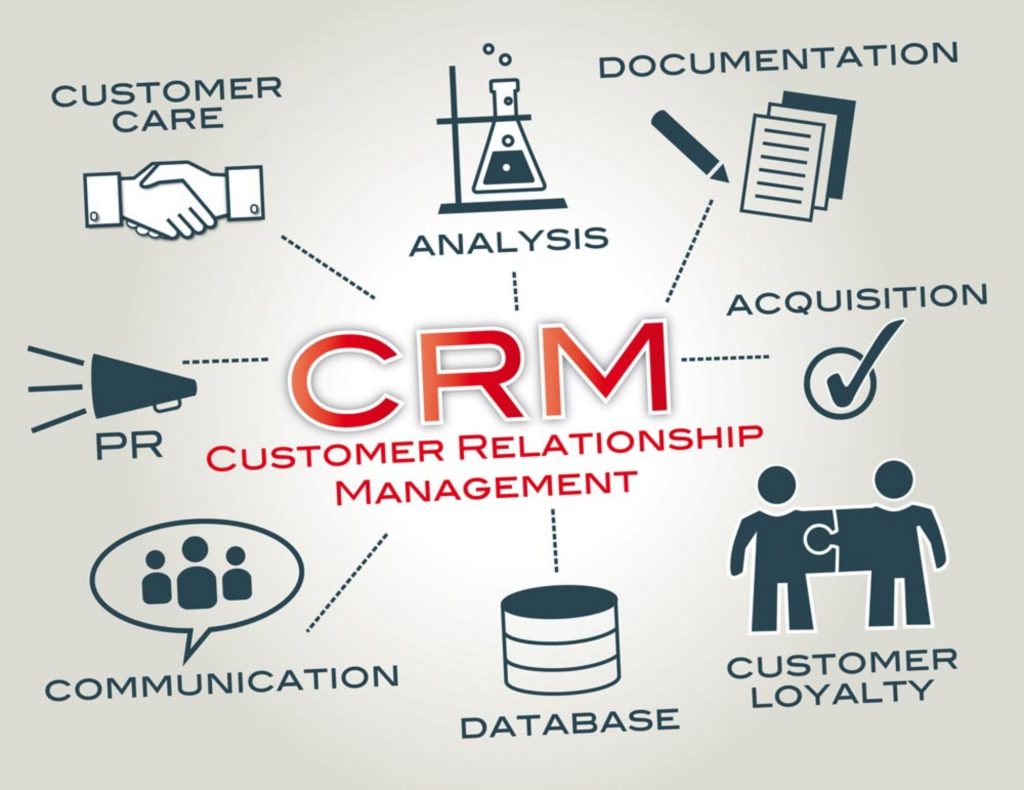
A customer relationship management system gives a small business a shared place to organize customer information, sales activity and follow-up. The value does not come from installing software alone. It comes from creating a reliable process that helps people understand what happened, what should happen next and who is responsible.
Modern CRM platforms can also provide automation and AI-assisted features. These capabilities are most useful when the underlying records are accurate, access is controlled and employees remain responsible for important decisions.
What CRM should improve
A CRM implementation should reduce uncertainty in everyday customer work. It should make information easier to find, clarify ownership and help the organization maintain appropriate follow-up without forcing every team member to reconstruct the customer history from email, spreadsheets and personal notes.
1. A more organized customer record
Contact details, company information, notes and relevant activity can be kept in a structured customer record instead of being scattered across individual devices. This makes the information easier for authorized employees to find and reduces dependence on one person’s memory.
Organization still requires governance. A small business should define which fields are necessary, who can edit them and how duplicate or outdated records are handled.
2. More consistent follow-up
Tasks, reminders and pipeline stages can show which conversations require attention. A clear follow-up process is especially valuable when a customer relationship involves several calls, meetings or employees.
Mobile capture tools can support this process. For example, the Business Card Reader catalog shows current applications for reviewing card details before transferring an approved contact, while the Call Tracker catalog presents current Android options for selected call activity.
3. Shared context across a small team
Sales, customer success and management can work from the same approved information instead of maintaining conflicting copies. Shared context helps an employee understand the customer’s current situation before responding.
This does not mean that every employee should see every record. Permissions should match job responsibilities and applicable privacy requirements.
4. Clearer pipeline visibility
A structured pipeline helps a small business distinguish new inquiries, active opportunities and existing customer work. Managers can see where activity is slowing down and where ownership is unclear.
Pipeline reporting is only as reliable as the process behind it. Stage definitions should be simple, documented and consistently used.
5. Less repetitive administration
Templates, task creation, field updates and carefully designed integrations can reduce repetitive entry. The purpose of automation should be to remove avoidable work while preserving review where accuracy or customer impact matters.
The MobileWorks CRM workflow solutions illustrate this principle by connecting focused mobile steps with an established CRM rather than attempting to replace the CRM itself.
6. More useful reporting
A CRM can help a small business review response times, pipeline movement, activity volume and outcomes. These signals can support planning, but they should be interpreted in context. A high activity count does not automatically mean that customer work is effective.
7. Better customer continuity
When relevant history is available to the authorized team, a customer is less likely to repeat the same information after an employee handoff. This supports more coherent communication and helps the organization maintain service continuity during holidays, role changes or growth.
8. Responsible AI assistance
AI-assisted CRM features may help summarize activity, suggest next steps or draft routine text. Their practical benefit depends on data quality and human review. Sensitive customer decisions, promises and record changes should not be delegated blindly to generated output.
A useful approach is to begin with one narrow workflow, define the expected result, test it with real users and document where approval is required. Organizations exploring a new workflow can review MobileWorks application and AI-assisted co-creation services.
CRM as a customer retention management system
Some teams describe CRM as a customer retention management system because organized records and timely follow-up can support longer customer relationships. Retention, however, is an outcome of useful service and consistent communication—not a feature that software can guarantee.
A practical retention workflow can use CRM data to identify unresolved requests, missed follow-up, renewal dates or customers who have not received an expected response. The team can then review the context and choose an appropriate human action instead of sending an automatic message without understanding the relationship.
Signals worth monitoring
- Unresolved customer requests and overdue follow-up tasks.
- Long gaps since the last meaningful interaction.
- Repeated issues that indicate a process or product problem.
- Renewal, onboarding or service milestones requiring attention.
- Consent and communication preferences recorded for each contact.
AI assistance may help summarize account history or group recurring themes, but the team should verify the source records and remain responsible for customer-facing decisions.
How a small business can evaluate CRM benefits
- Identify the customer information that employees repeatedly struggle to find.
- Choose one follow-up process to standardize before adding more automation.
- Define ownership, access and minimum data-quality expectations.
- Measure whether the new process reduces missed follow-up or duplicated entry.
- Review integrations and AI features against privacy, security and approval requirements.
The most valuable CRM is not necessarily the one with the longest feature list. It is the one that a team can use consistently to maintain accurate context and complete the next appropriate customer action.