
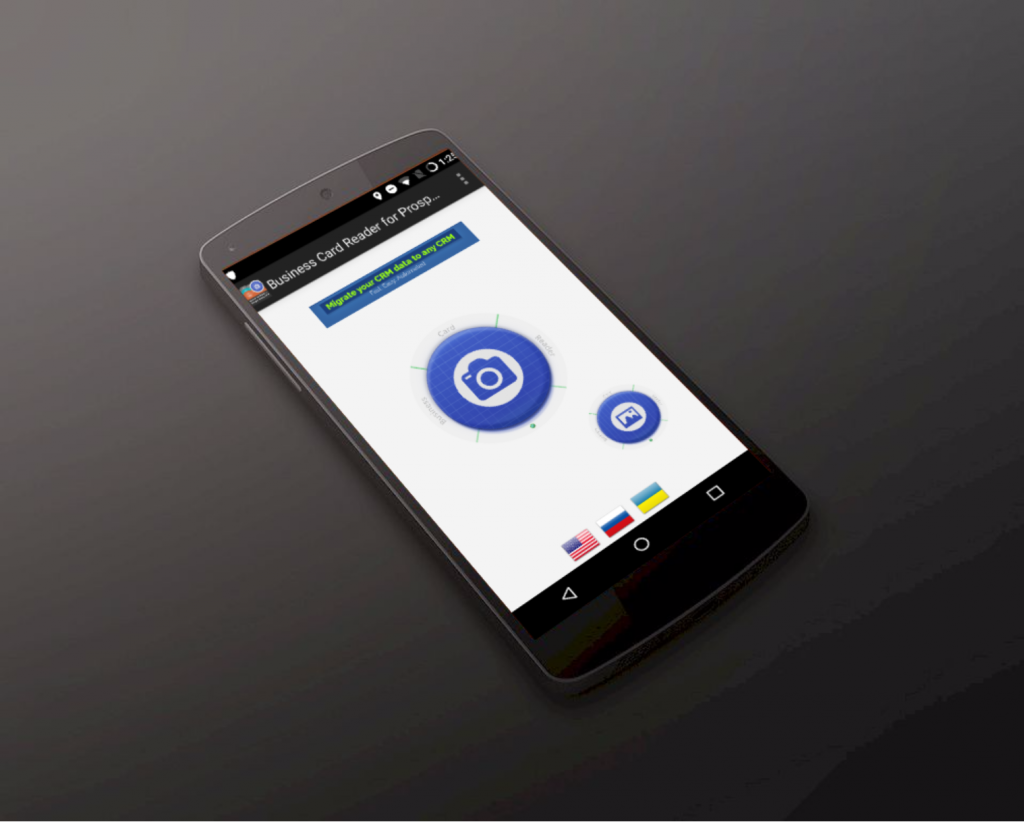
Is it tireful for you to tape manually all the info from business cards about your business partners? But there is a solution for you to have more free time – the app, which does that instead of you – automatically! It’s Business Card Reader for ProsperWorks CRM, which can transfer all the info from the business card directly into your CRM.
If you’re the Solve CRM user, you have such opportunities:
- recognize business cards from card images saved earlier;
- recognize multilingual business cards (maximum 3 languages from one card!);
- automatically add country phone code when the code is missing in business card phone number;
- preview results and make necessary changes before saving;
- add text and voice notes for each business card;
- instantly save results by one touch (to CRM, phone contacts or Gmail contacts);
Business Card Reader for ProsperWorks CRM perfectly approaches to every business person. So, if you are on a business meeting and don’t have time and possibility to write down all the information about your colleagues, try this solution and you won’t have any problems with your business colleagues.