
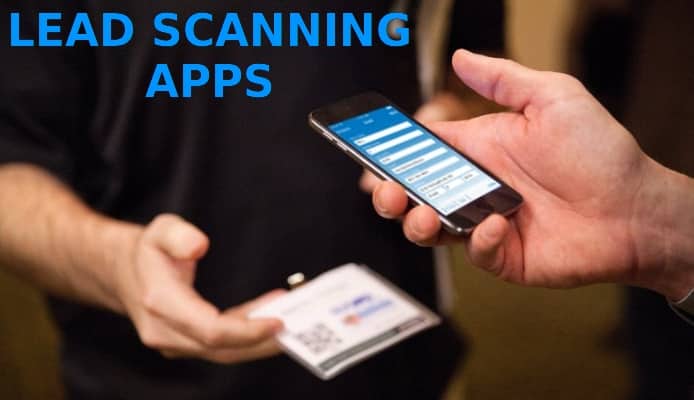
Lead scanning in 2026 is no longer only optical character recognition. A modern workflow captures a card or badge, structures the information, checks it, routes it to the correct CRM and gives artificial intelligence enough context to recommend a useful next step.
Updated July 19, 2026.
Why speed alone is not enough
Events create a short window of attention. Waiting several days to type contacts into a spreadsheet makes names harder to remember and follow-ups less relevant. Yet sending unverified scans directly into a CRM can create duplicates, malformed phone numbers and incomplete ownership data.
The best process combines fast capture with a brief human review. The representative confirms the name, company, email and phone number, adds a note about the conversation and then exports the record to the correct destination.
A practical AI-ready lead workflow
- Capture: Scan a business card or event badge while the conversation is still fresh.
- Structure: Convert the image into fields such as name, role, company, email, phone and website.
- Validate: Review uncertain characters, normalize the phone number and confirm consent or lawful processing requirements.
- Add context: Record the topic, urgency, promised action and preferred follow-up channel.
- Match: Search the CRM for an existing person or company before creating a new record.
- Route: Assign the owner, source, campaign and next activity.
- Assist: Let an approved AI tool summarize the note or propose a follow-up draft for human review.
Where artificial intelligence creates value
AI is most useful after the factual contact fields are verified. It can turn short notes into a consistent summary, suggest tags, identify intent and help draft a personalized message. CRM assistants can also highlight missing activity, summarize the opportunity and help a seller prepare for the next meeting.
Do not upload sensitive customer information to an unapproved public AI service. Use tools covered by your organization’s data policies, restrict access to the minimum required records and keep a human responsible for the final communication.
Choose a lead scanning app by workflow
- Direct export to the CRM you actually use
- Clear review before creating a record
- Duplicate handling and consistent field mapping
- Campaign or event source fields
- Notes and follow-up task support
- Privacy information and account controls
- A usable mobile interface under real event conditions
From scan to measurable outcome
Track more than the number of cards collected. Measure time to first follow-up, percentage of complete records, duplicates prevented, meetings booked and opportunities created by event. These metrics reveal whether the lead capture process is genuinely helping sales.
MobileWorks offers Business Card Reader apps for multiple CRM platforms. If your workflow requires a different capture or qualification experience, submit an app idea and we can explore a rapid prototype together.
Frequently asked questions
Can AI read every business card perfectly?
No. Layout, lighting, fonts and image quality still affect extraction. Human review remains important before data enters the CRM.
Should an AI write the first follow-up automatically?
It can create a draft, but a person should verify facts, tone and promises. The strongest message includes specific context from the real conversation.
What is the minimum useful event note?
Capture why the person is relevant, what they need, what you promised and the next date or action.