- Connect Chrome Extension for Trello to your Trello Account – check instructions.
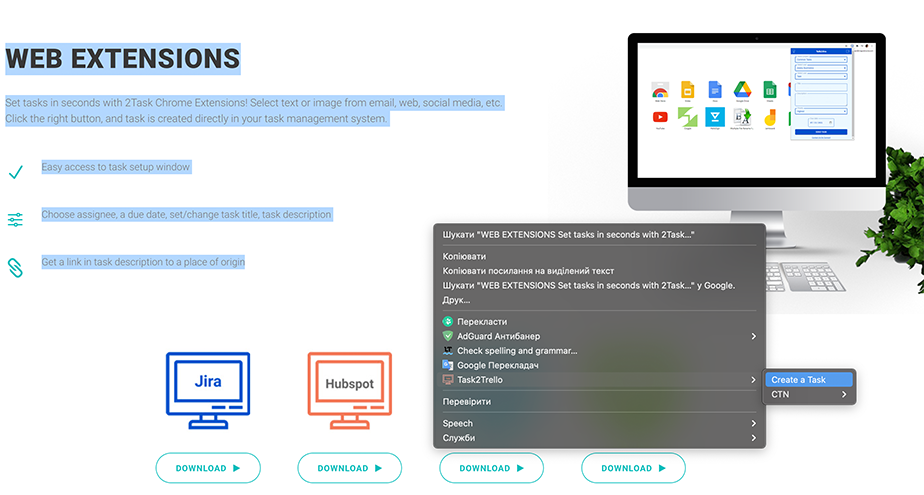
- Select need text.
- Use Popup Menu under select text or image.
- If you would like to use text with an image for the task – open a Popup Menu under an image.
- Select in Popup Menu “Task2Trello”, “Create a Task” or Board, User, and Estimate.
- Done.