- Please login to your Trello account.
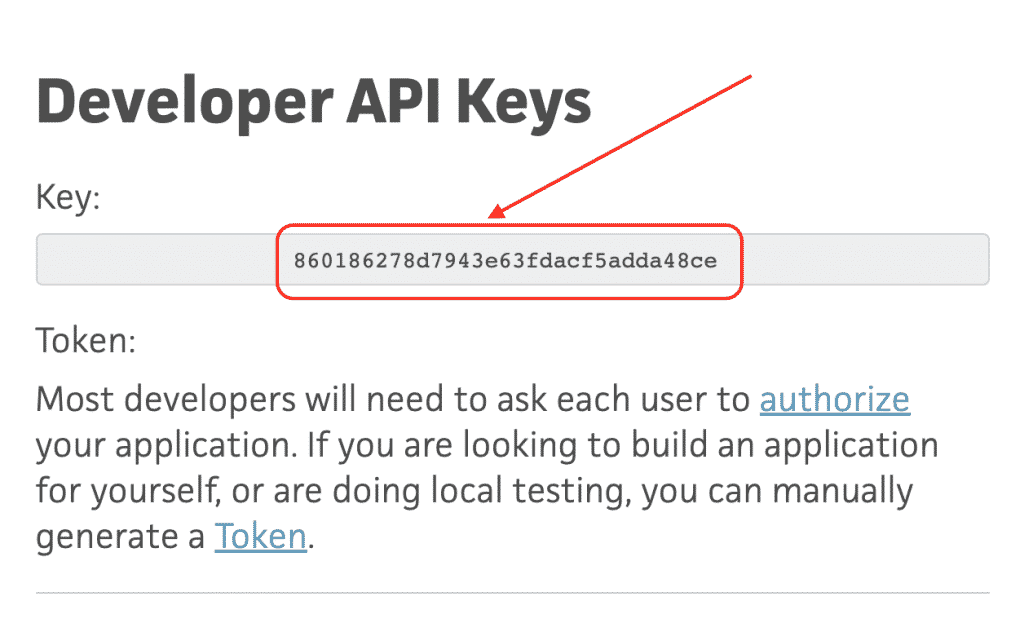
- Go to https://trello.com/app-key and copy “Key” to the clipboard (Screen 1).
- Open Chrome Extension and paste from clipboard API Key and press the “Login” button.
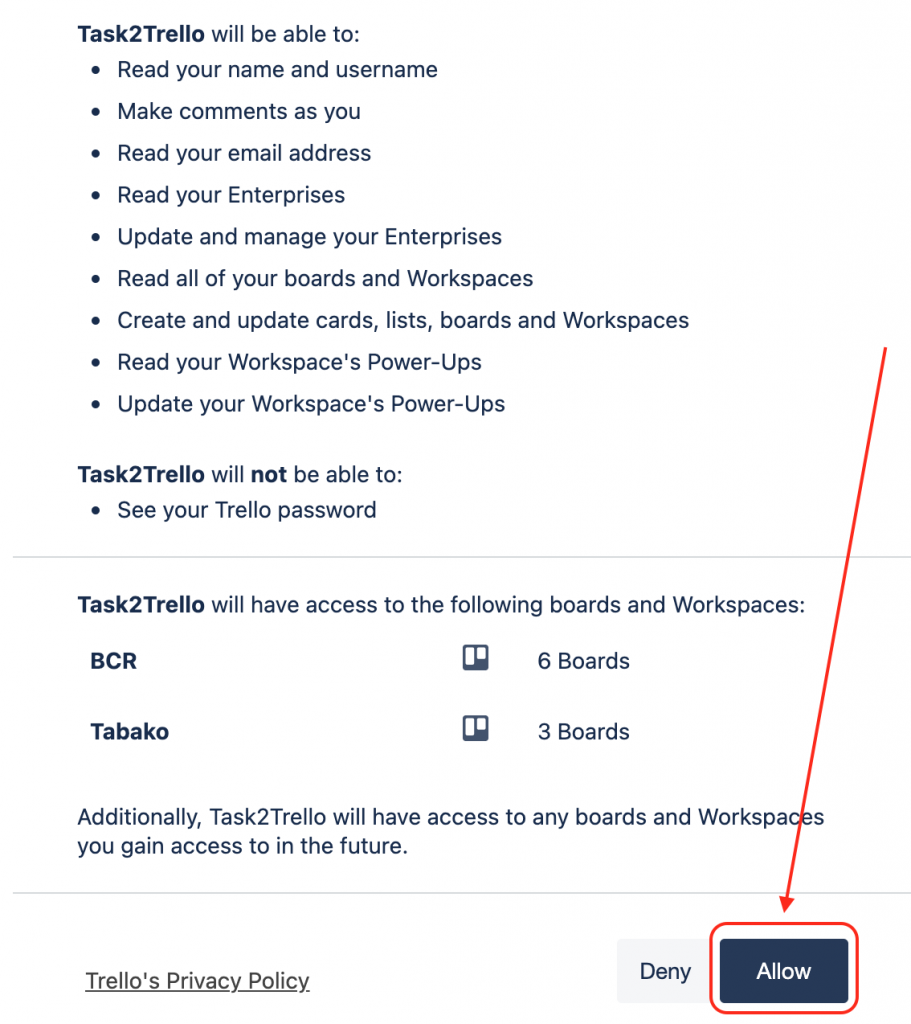
- On the opened web page, press the “Allow” button (Screen 2).
- Done.
Screen 1:
Screen 2: