
Scan or import
Capture a paper business card with the phone camera or recognize a card image already saved on the device.
A faster route from a paper business card to an organized CRM contact. The app recognizes contact details, lets the user review them, and transfers the approved record to a supported CRM, Google Sheets or device contacts.
Free to download with a limited number of recognitions. Additional recognition packs are available as in-app purchases.
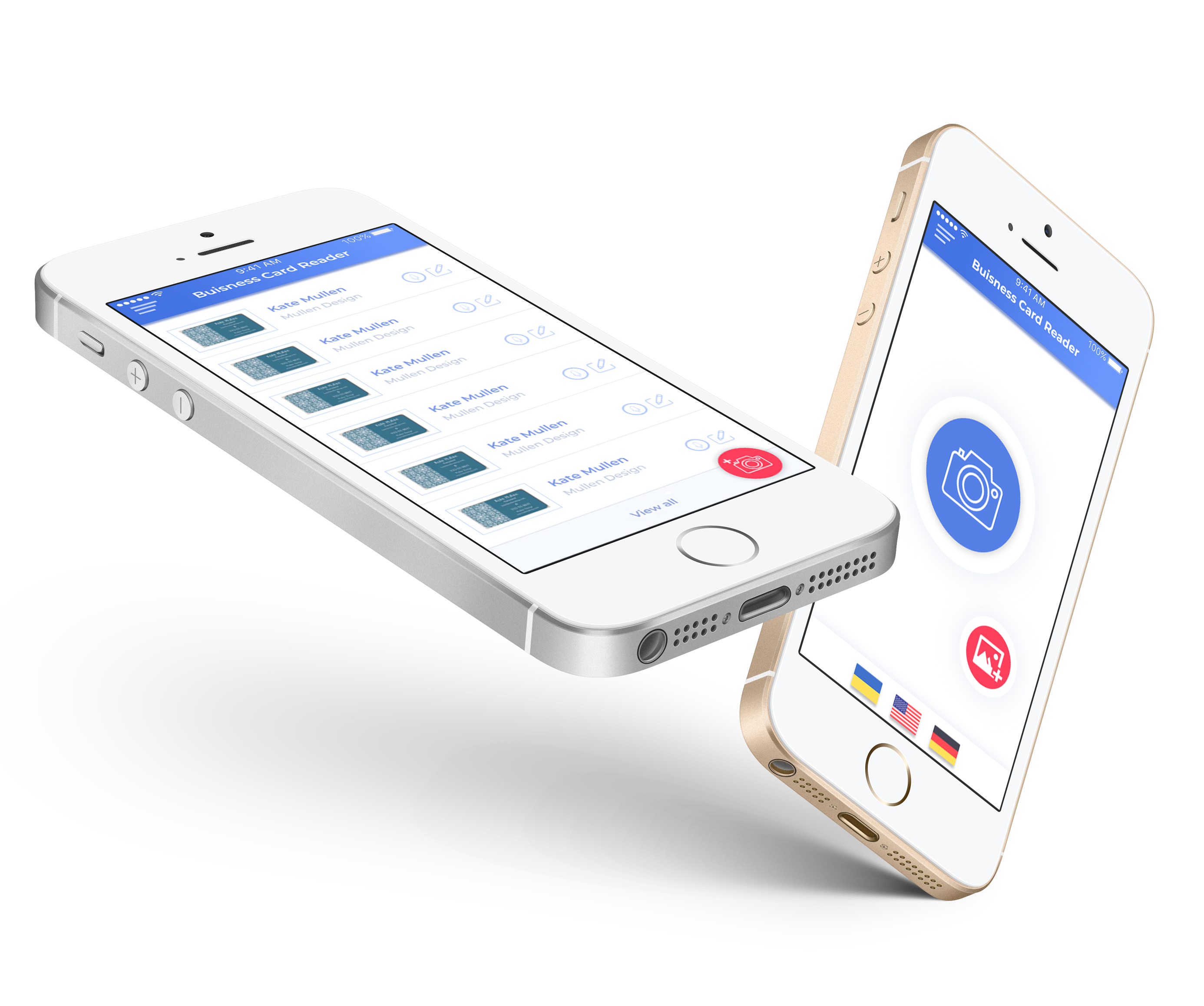
Instead of retyping every field after a meeting or event, the user can capture a card, verify the recognized information and choose where the contact should be saved.
Capture a paper business card with the phone camera or recognize a card image already saved on the device.
Check the recognized name, company, role, phone and email, then make any necessary corrections.
Select a supported CRM, Google Sheets or device contacts and transfer the approved record.
Add text or voice notes and preserve the context needed for a more informed follow-up.
Business Card Reader Multi CRM is designed for professionals who collect contact details at meetings, exhibitions and conferences. It replaces repetitive manual entry with a simple mobile workflow: capture the card, recognize its fields, review the result and export the contact.
The same application can work with several supported destinations, so a user does not need a separate scanner for every CRM. Saved card images can also be recognized later, while text and voice notes help retain the context of the conversation.
The Android store listing reports more than 10,000 downloads and states that data is encrypted in transit. Current compatibility, privacy information and purchase options remain available on the official store pages.
The app keeps the user in control of the final record. Recognition accelerates data entry; the review step helps confirm accuracy before export.
Current store listings identify the following supported destinations. Compatibility can depend on the CRM account configuration and plan.
Selected short excerpts from reviews of Business Card Reader Multi CRM. Google Play may change which reviews are displayed by region and over time.
“This app works extremely well.”
“Updated the app to the version suggested and it works fine. Thank you.”
The store pages provide the current device requirements and purchase options. MobileWorks can also help an organization review CRM compatibility and team licensing.