- Connect Chrome Extension for Hubspot CRM to your HubSpot CRM – check instructions.
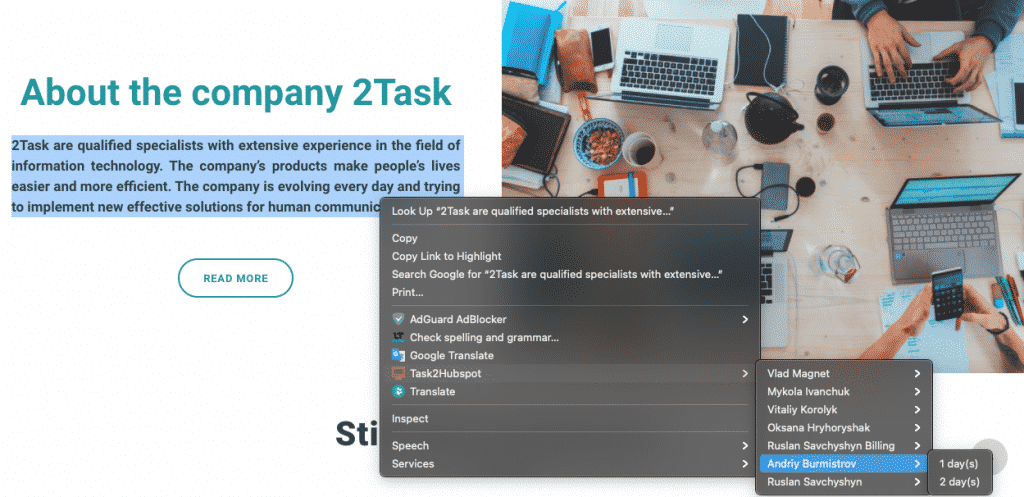
- Select need text.
- Use Popup Menu under select text or image.
- If you would like to use text with an image for the task – open a Popup Menu under an image.
- Select in Popup Menu “Task2Hubspot”, select User and Estimate.
- Done.